
Springside Primary School - Filling the paper trays
All printers have three paper trays, this includes one A4 tray, one A3 tray and one large capacity A4 tray (bottom), the front of each tray will also have a label to denote which paper size it accepts:
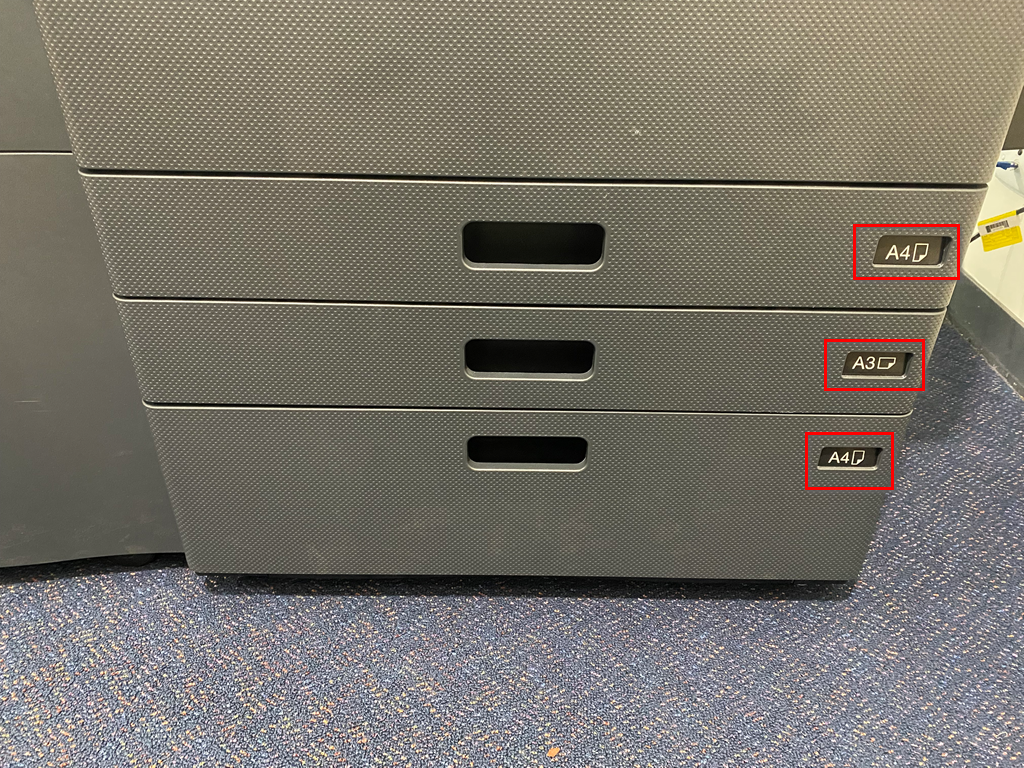
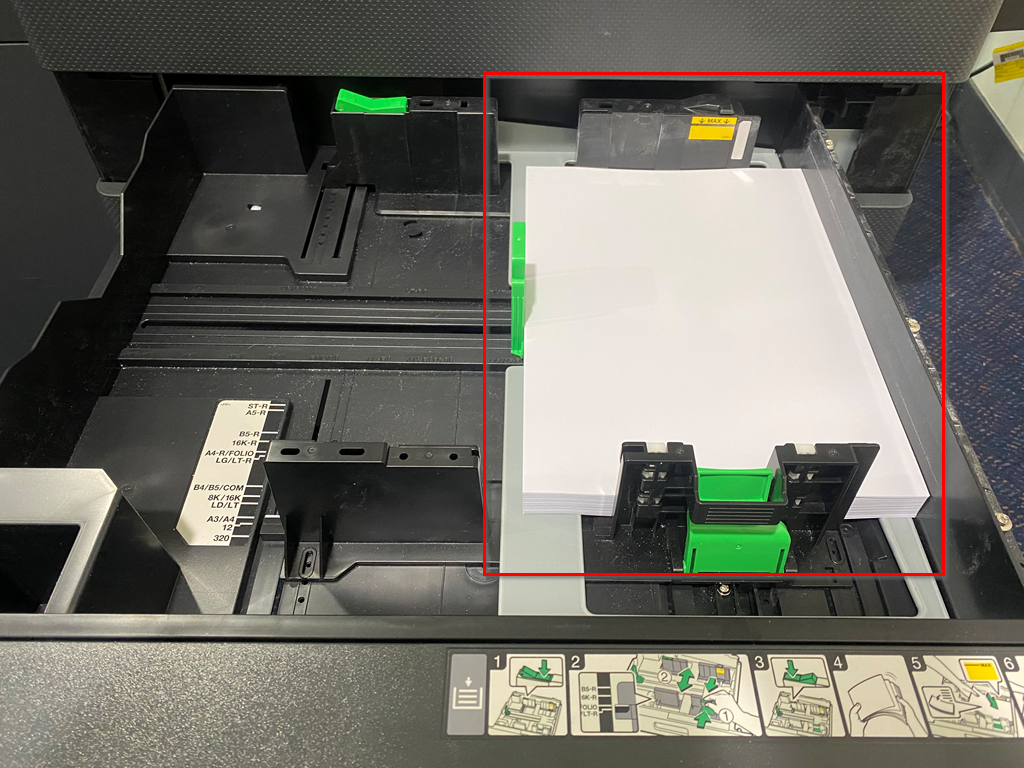
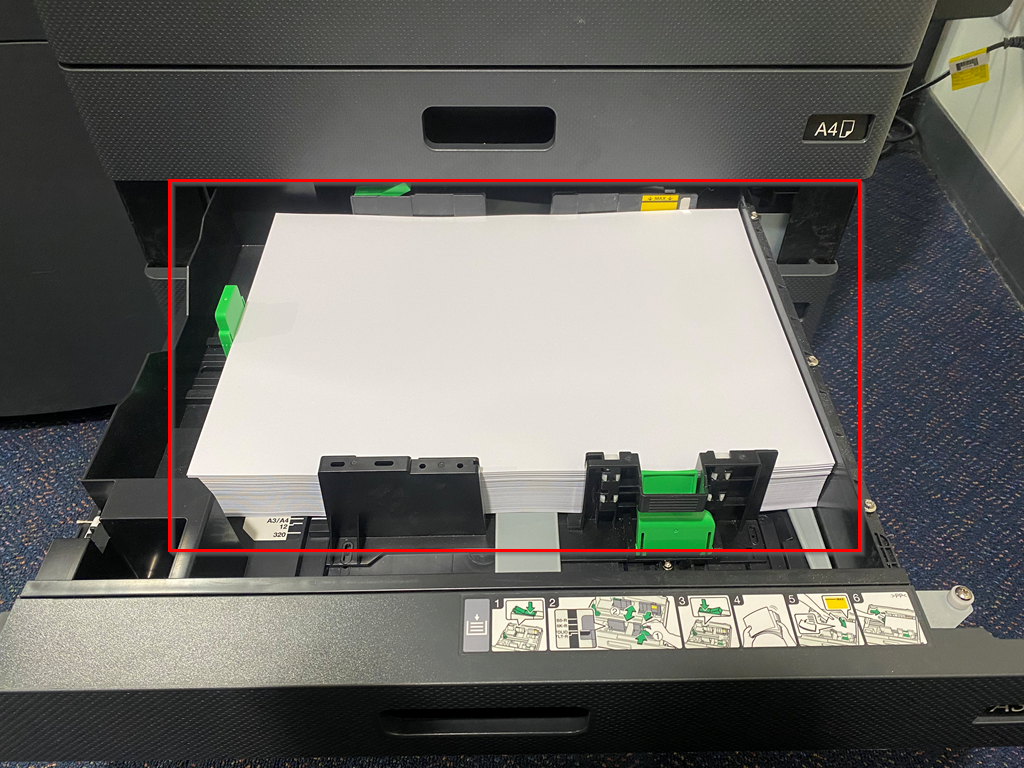
When a tray is empty guidance will appear on the printer screen to show you which tray requires replenishment (Note: the top two trays (A4/A3) should only be replenished with one stack of paper):
A4 Tray:
A3 Tray:
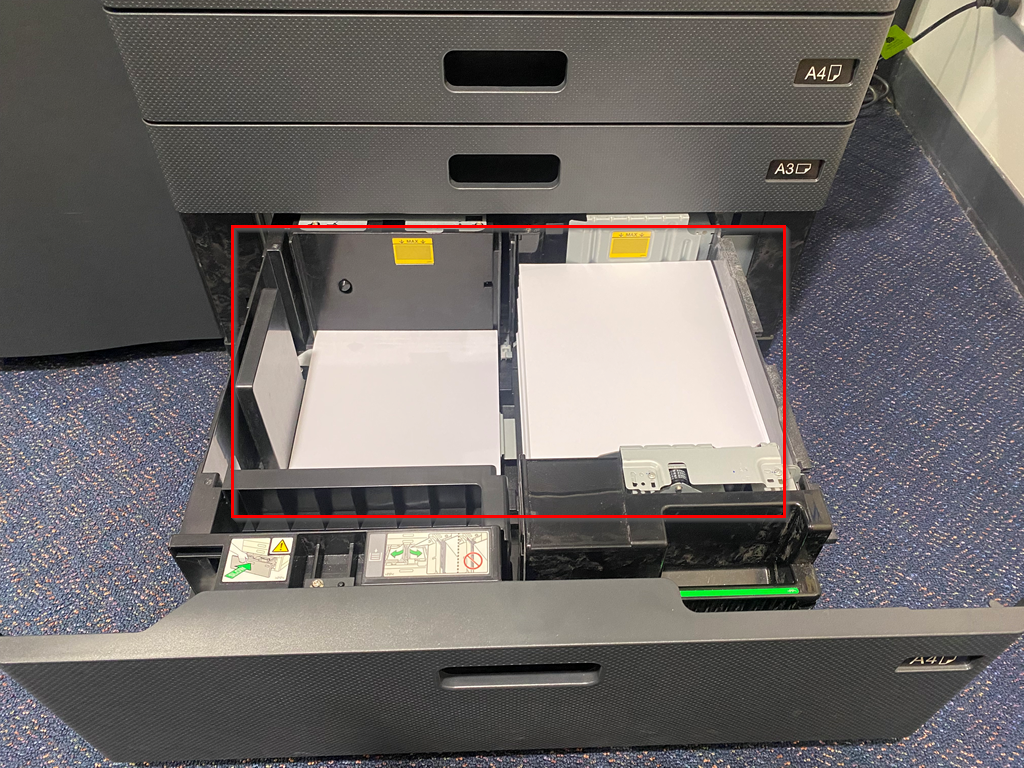
Unlike the top two trays the large capacity tray pictured below takes two stacks of A4 paper (Note: If you pull out the large capacity tray and the right side does not come out this means paper is present, all you need to do is fill the left side tray as this will be fed into the other side when it is completely empty).
Large Capacity A4 Tray (Bottom):
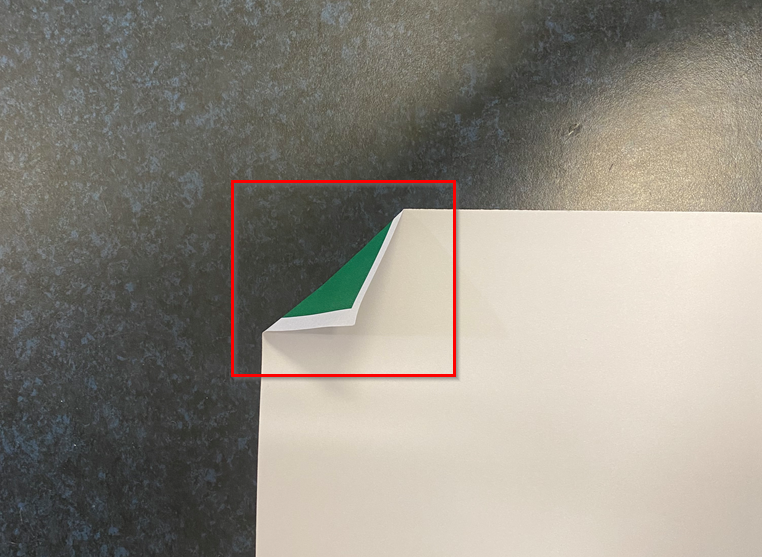
To avoid paper jams please ensure that you are using the paper provided by the school as the printers are calibrated for a particular GSM (the weight and thickness of paper), additionally when loading paper into the printer make sure that it is flat and does not have any damaged or folded edges as this will cause the paper to bunch up, rip or tear as it is pulled through the rollers:
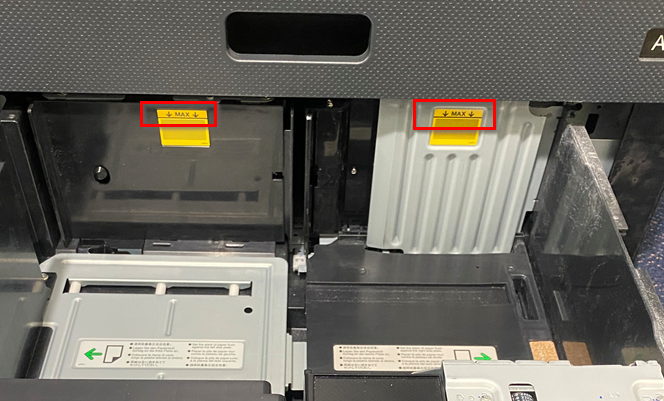
When filling the trays do not overfill by going past the maximum guideline of each tray:
Was this article helpful?
That’s Great!
Thank you for your feedback
Sorry! We couldn't be helpful
Thank you for your feedback
Feedback sent
We appreciate your effort and will try to fix the article